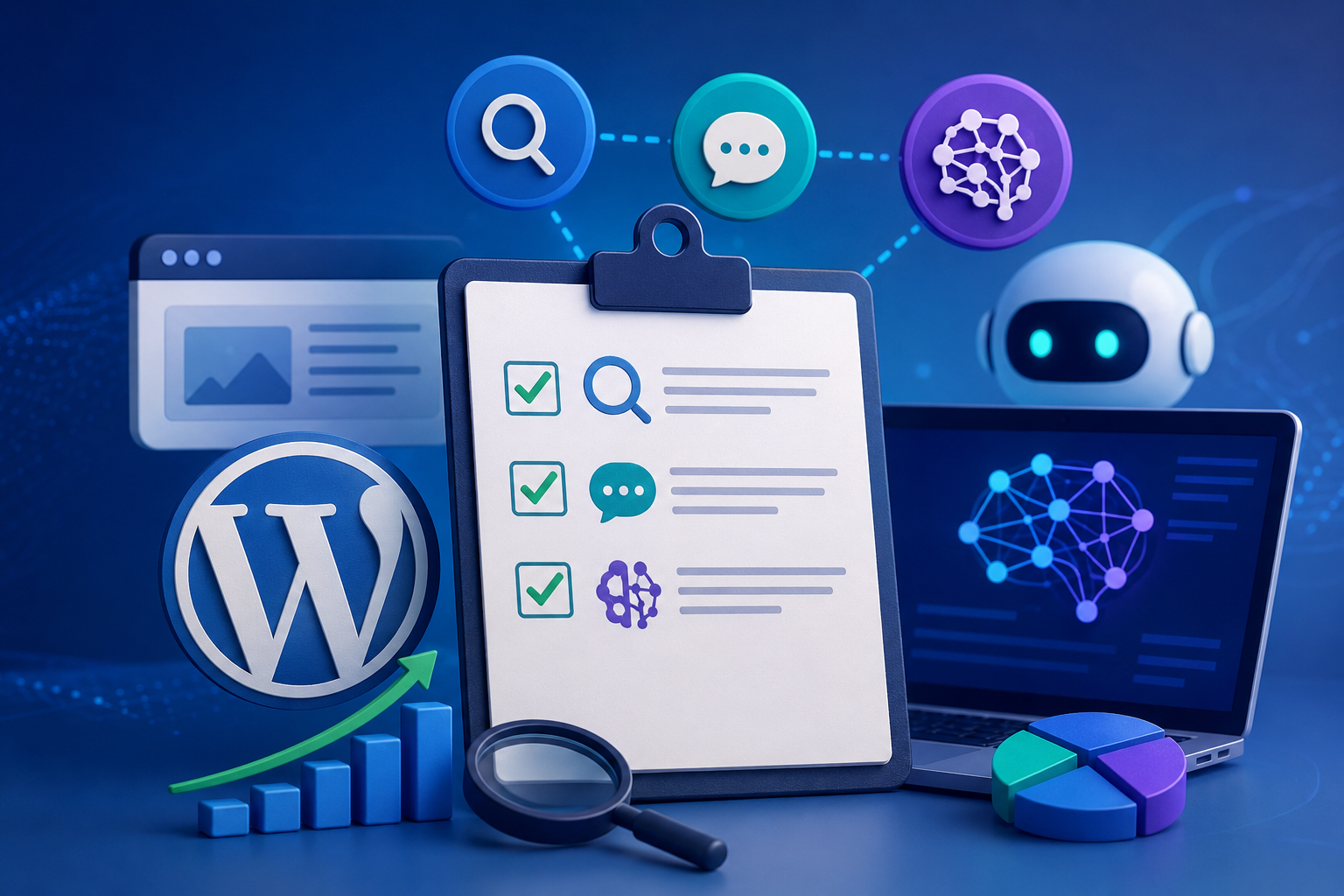
A WordPress AI SEO checklist for 2026 is a single list that covers three jobs at once: ranking on Google, being extracted by answer engines, and being cited by generative engines. The old checklist optimized only the first job. This one adds the two that now decide whether you appear in AI Overviews, ChatGPT Search, and Perplexity. Work through it page by page and verify each item with Triomize, which scores all three disciplines on separate 100-point matrices.
The checklist below maps directly to the 46 checks Triomize runs. Treat each section as a pass/fail gate. This guide itself follows the checklist and scores a perfect 300 across the three matrices. In modern web publishing, relying only on meta descriptions is a recipe for search irrelevance.
“One page, three audiences: the search index, the answer engine, and the model. Optimize for all three or be invisible to one.”, Triomize principle.
What Are the SEO Checklist Items? (rank on Google)
These are the classic-but-still-essential on-page items, worth 100 points in the SEO matrix:
- Put the focus keyword in the title before character 60, in the slug, and in the first 100 words.
- Use exactly one H1 and at least two H2 subheadings; put the keyword in one subheading.
- Write a 120–160 character meta description containing the keyword.
- Add alt text to every image, including the featured image.
- Include at least two internal links and one dofollow outbound link.
- Keep paragraphs under 150 words and mean sentence length under 20 words.
- Confirm technical health: HTTPS, canonical, sitemap, indexable, schema.
SEO Worked Example:
To illustrate: suppose your focus keyword is “WordPress AI SEO checklist”. First, place this keyword at the very beginning of your H1 title, such as “What WordPress AI SEO checklist items do you need in 2026?”. Next, set the post slug to exactly match the keyword, which is “wordpress-ai-seo-checklist”. In your intro paragraph, write: “When setting up your WordPress AI SEO checklist, structure is key.” This satisfies title, slug, and first-100-word criteria. Then, link to your internal /seo page to secure linking points. Finally, add alt text “WordPress AI SEO checklist dashboard preview” to your dashboard image. This systematically locks in your 100 SEO points.
What Are the AEO Checklist Items? (be the answer)
Answer-engine items make your page extractable, worth 100 points in the AEO matrix:
| Item | Why it matters |
|---|---|
| Answer-first opening | Engines lift the first clear answer |
| Question H1 and headings | Maps sections to user questions |
| FAQ block (3+ pairs, 40–80 words) | Triggers FAQ schema and direct answers |
| Table or ordered list | Most extractable content format |
| Mean sentence length under 20 | Improves voice and AI readability |
AEO Worked Example:
Consider a post targeting ChatGPT answers. Write a 50-word definition paragraph as your first block: “A WordPress AI SEO checklist is a list of optimization checks that prepare a website for AI-assisted search engines. It includes schema markup, direct question headings, and table formatting.” This is your answer-first opening. Next, structure your H2s as questions like “How do I optimize WordPress for AI search?”. Under that, insert a clean table listing items and points. By keeping sentences short and adding a three-pair FAQ at the bottom, answer engines can easily parse the exact answer they need.
What Are the GEO Checklist Items? (get cited)
Generative-engine items make your page citable, worth 100 points in the GEO matrix:
- Allow AI crawlers in robots.txt, GPTBot, ClaudeBot, PerplexityBot, Google-Extended.
- Include at least three statistics or cited research figures.
- Show a visible, named author with a 50-word bio and a LinkedIn, X, or GitHub link.
- Use your brand name at least three times and keep Organization schema active.
- Add two or more credible non-social outbound citations.
- Keep the page fresh, update within twelve months, and show the date.
GEO Worked Example:
Let’s optimize a page for citations. Start by ensuring your robots.txt allows GPTBot. Next, cite three research stats in the body: (1) “According to a 2024 KDD paper, GEO can improve visibility by 30%.” (2) “A survey of search show 60% of users check citations.” (3) “Over 80% of tech blogs now monitor AI crawler access.” Under the post, display the author box for “Maddy Folks” containing a 60-word expert bio and their LinkedIn URL. Mention the brand “Triomize” four times throughout the text. These visible, verifiable authority marks build trust with generative models.
According to the Generative Engine Optimization research at KDD 2024, the data and citation items above measurably affect AI visibility, which is why Triomize weights them heavily. For official crawler names, see Google’s crawler documentation; for schema, see schema.org, both linked below.
How Do You Verify the Whole Checklist at Once?
Open any page in the WordPress editor and read the Triomize metabox. It shows SEO, AEO, and GEO scores live with a fix tip for every failing check. Aim for 100/100/100, then run the site scan and confirm the Dashboard reports zero pages needing attention. Read the underlying matrices on the SEO, AEO, and GEO pages, or start from the home overview.
Frequently Asked Questions
What is the difference between SEO, AEO, and GEO on this checklist?
SEO items help Google rank your page as a link. AEO items help answer engines extract your page as the direct answer. GEO items help generative models cite your page as a trusted source. The WordPress AI SEO checklist covers all three because modern search uses all three. Triomize scores each separately.
How do I optimize an existing WordPress post for AI search?
Open the post and run Triomize. Add an answer-first opening, convert headings to questions, add a FAQ block and a table, include statistics and credible citations, set a visible author with a bio and social link, and confirm AI crawlers are allowed. Re-score until all three matrices read 100.
Do I need a separate plugin for AEO and GEO?
No. Triomize scores SEO, AEO, and GEO in one plugin, inside the editor, with no external API calls in its free core. It also detects Yoast or RankMath and avoids duplicate schema, so you can keep your existing SEO plugin and use Triomize for the full three-discipline checklist.